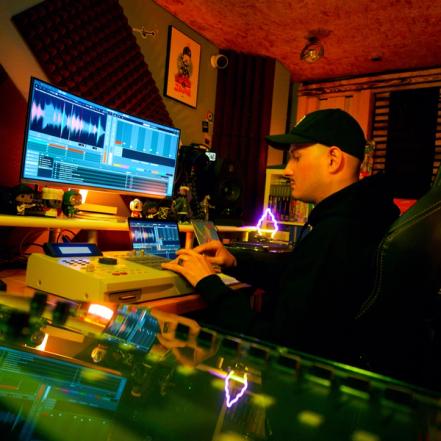
The First Controller Made for Serato Studio
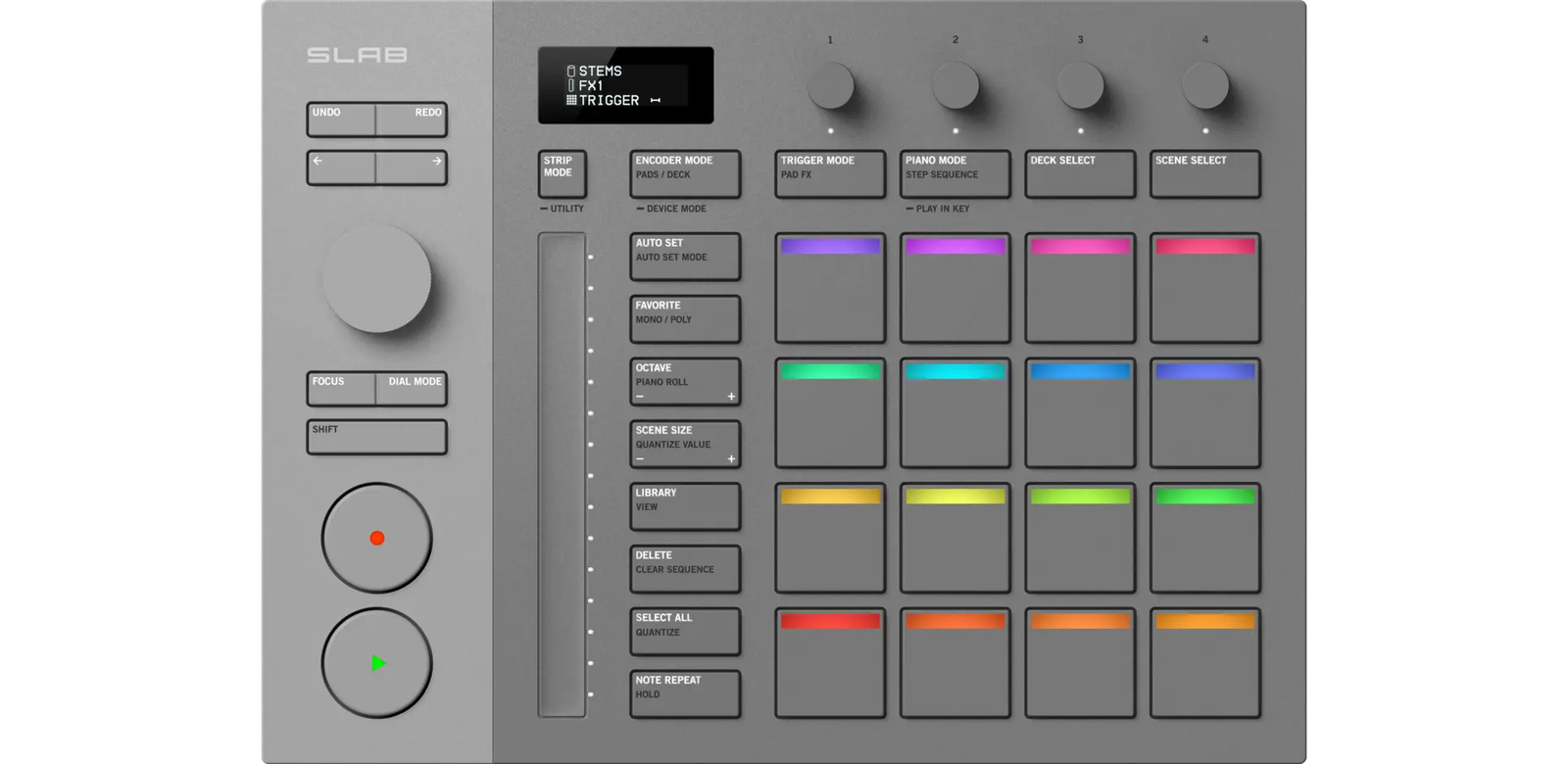

SLAB is the Serato Studio-native MIDI Pad Controller that puts sampling, sequencing and performance directly into your hands—bringing the raw feel, instinct, and speed of beat making back to its elements.
All the Elements of Beat Making
The best MIDI controller setup isn’t about having more—it’s about staying connected to what matters. SLAB keeps your head in the game, and your hands on the beat.
Make the Beat Move
SLAB gives you the tools to move sound, not just trigger it. Use the Touch Strip for sweeping filters, encoders for Studio’s built-in FX, or paint textures with SLAB’s exclusive Pad FX: Wah Filter, Lo-Fi Crusher, Inverse Reverb, and Pitch Looper.
Sampling in its Purest Element
Isolate what matters, reshape what moves you. SLAB brings hands-on control to sampling—so you can sculpt faster, sharper, and with more feel. Scrub, chop, and stretch right where samples belong, no trackpad needed.
Craft Drums with a Pulse
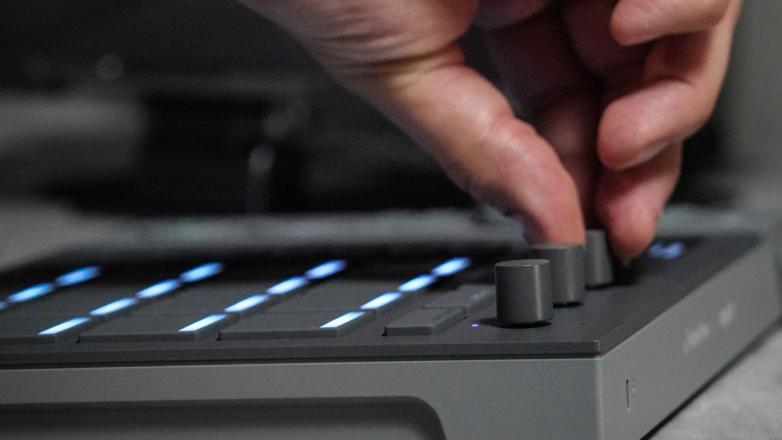
SLAB is a MIDI pad controller built to capture every groove and human touch, whether you’re finger drumming or programming with the built-in step sequencer. Velocity-sensitive pads capture playing dynamics, while Note Nudge lets you lock in drums that feel alive.
Turn. Tune. Take Control.
Get more control in less space with multi-functional Dial & Encoder Modes. Navigate your project, browse your library, scrub your samples, and control EQ, FX, BPM, Key Shifting, and Stems all from one place.
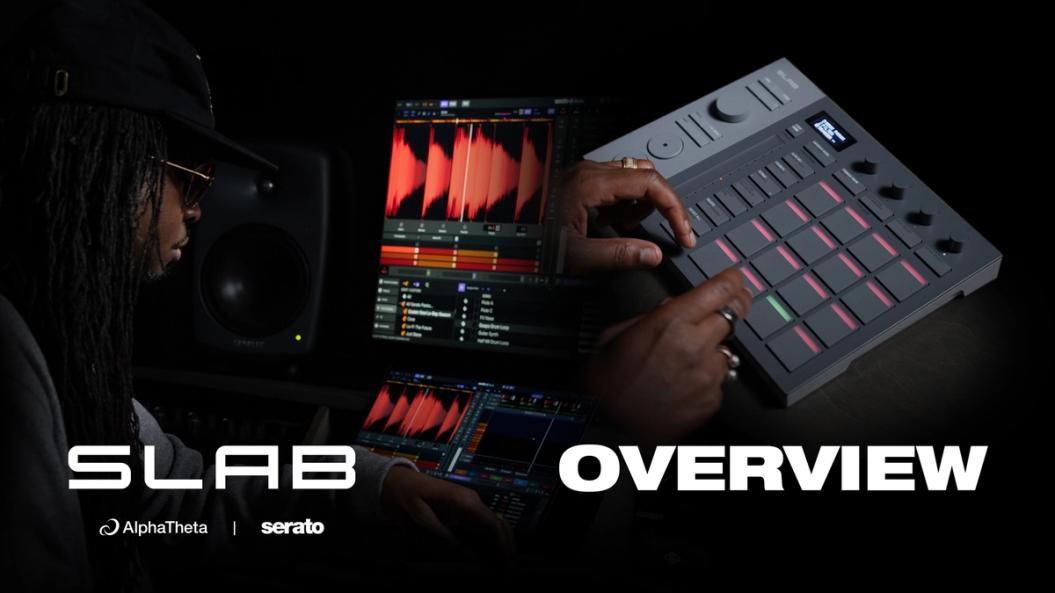
Watch the Complete SLAB Walkthrough
From blank canvas to full beat, see how SLAB brings Studio to life.
Natively Serato, Built for Flow
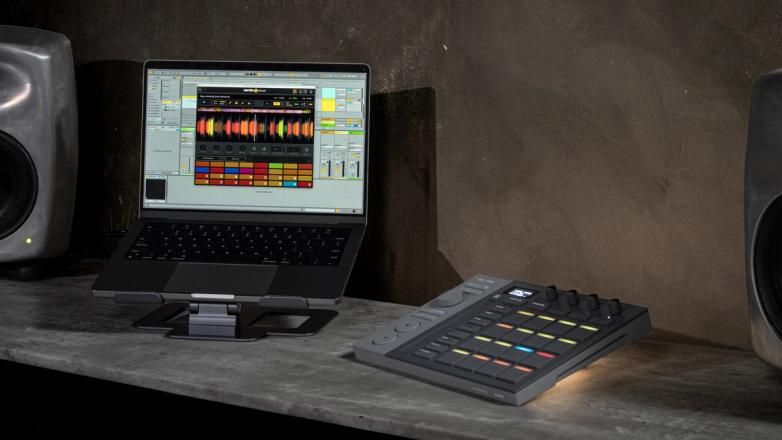
Designed from the inside out as a Serato-native pad controller, SLAB works seamlessly with Serato Studio, Sample, and DJ—keeping your flow intuitive across every stage.
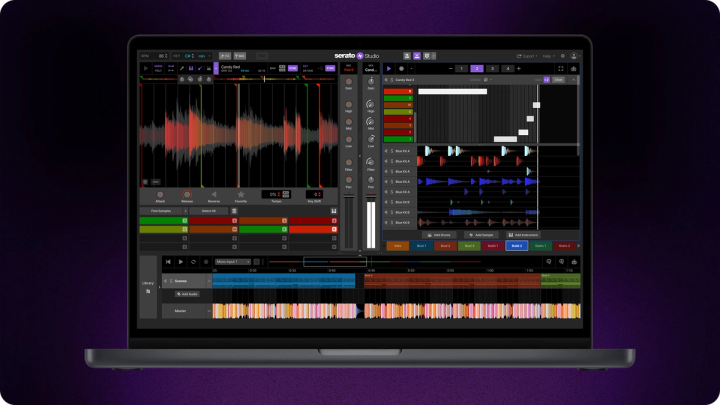
Made for Serato Studio
SLAB is the only music production hardware purpose-built for Serato Studio: the fastest, most intuitive DAW for beat making. When connected, SLAB unlocks the full version of Serato Studio. With every control mapped for instinct and flow, SLAB turns production into pure expression.
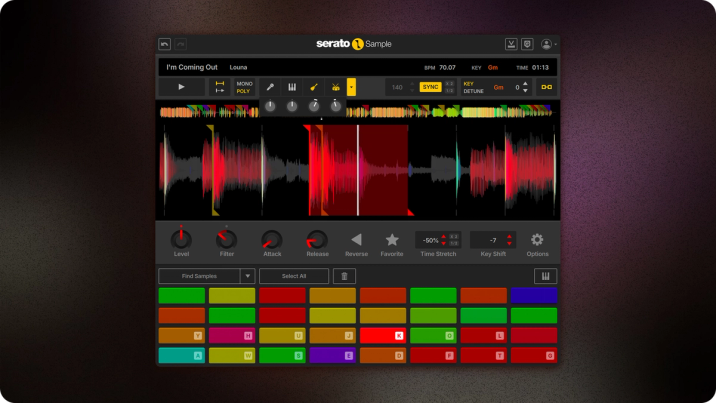
Native Control for Serato Sample
SLAB gives you hands-on control of the Serato Sample plugin—from cue points and stem separation to pitch and time stretching. Scrub samples, chop sounds, and stay in flow with native integration or switch to custom MIDI mapping inside your DAW.
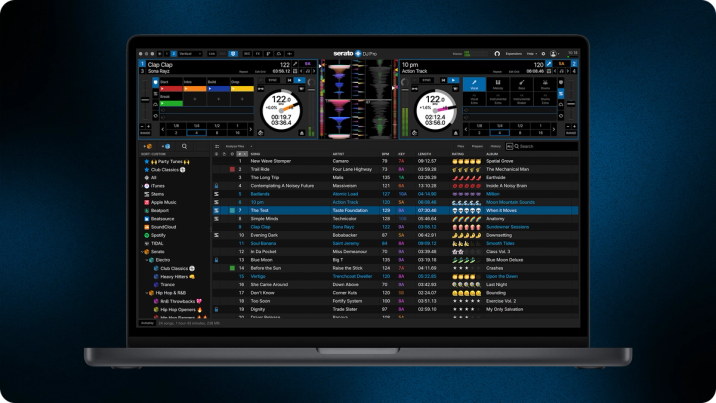
Official Accessory for Serato DJ Pro
SLAB brings your production workflow to the DJ booth. Plug in and get creative with Serato Stems, Stems Levels and FX controls, and Combo Pad Mode to utilize all 16 Performance Pads to their full potential in DJ Pro.
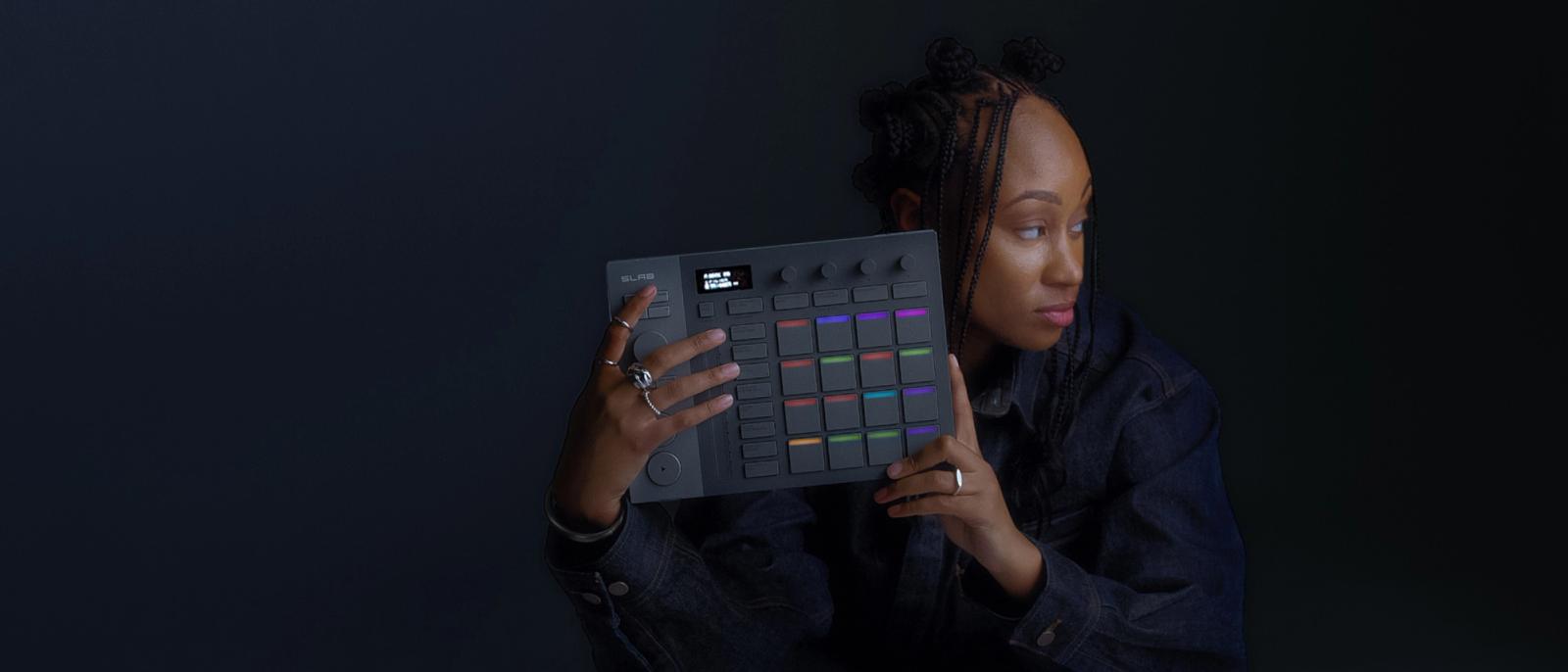
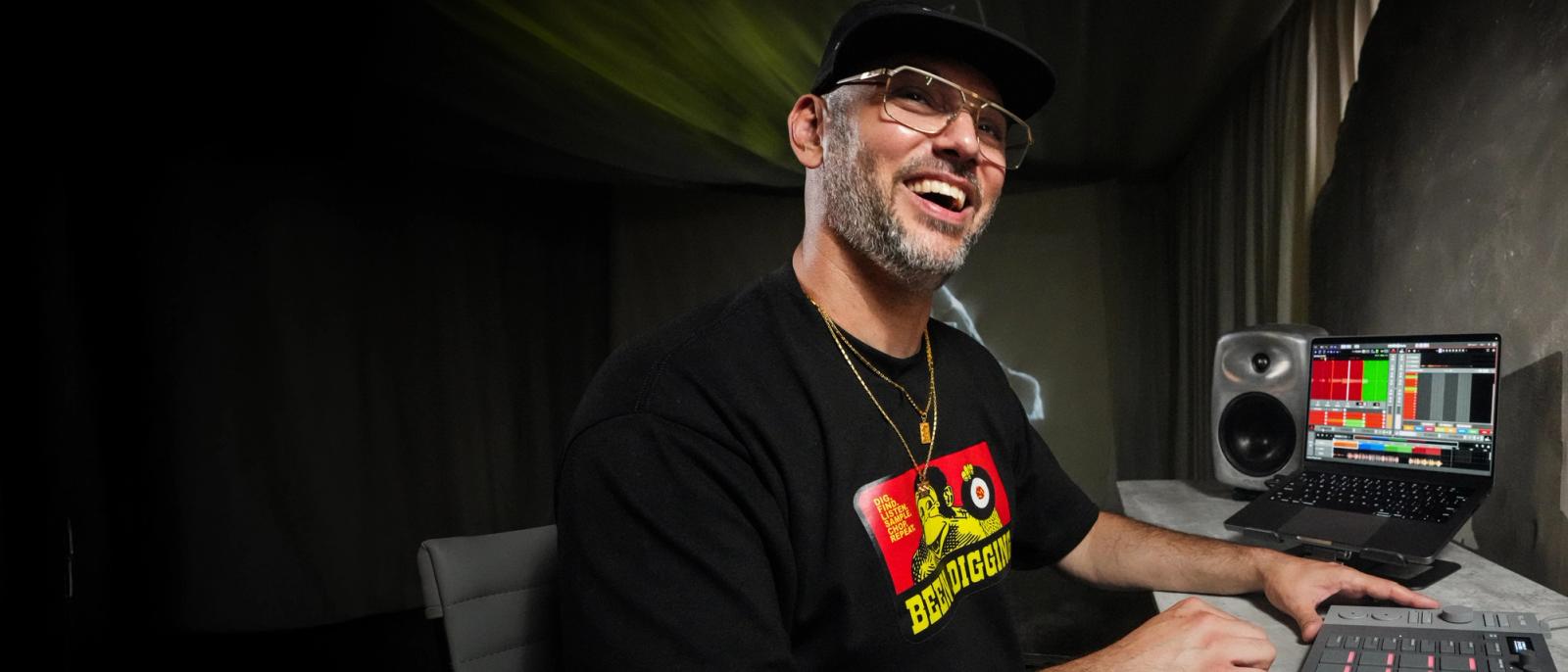
“I love the tactile feel, touching sounds, playing pad effects, chopping samples, just having fun. I could make a whole album with just SLAB.”“
TRAKGIRL
Grammy-Nominated Producer


Core Elements
Everything You Need to Lock In
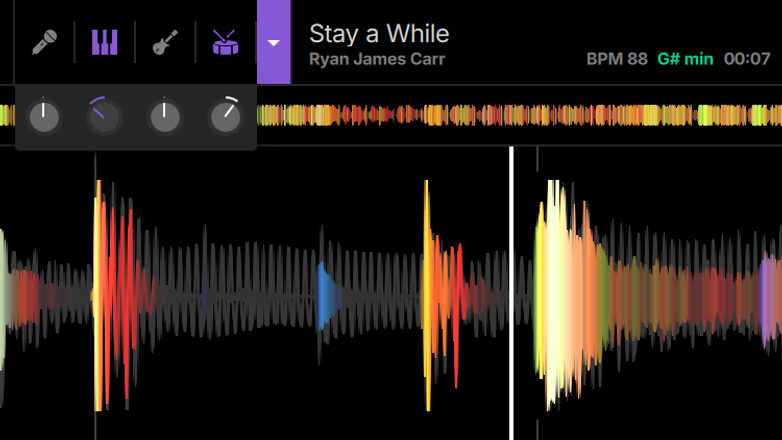
Stems Mode
Isolate and control your sample’s acapella, melody, bassline, and drums in real time. Toggle, adjust mix level, or automate each stem instantly using SLAB’s four touch-sensitive encoders.
Step Sequencer
Create and edit patterns directly on SLAB’s 4x4 grid of pads—paint in beats, nudge notes off-grid with the Dial, and shape velocity dynamics on the Touch Strip.
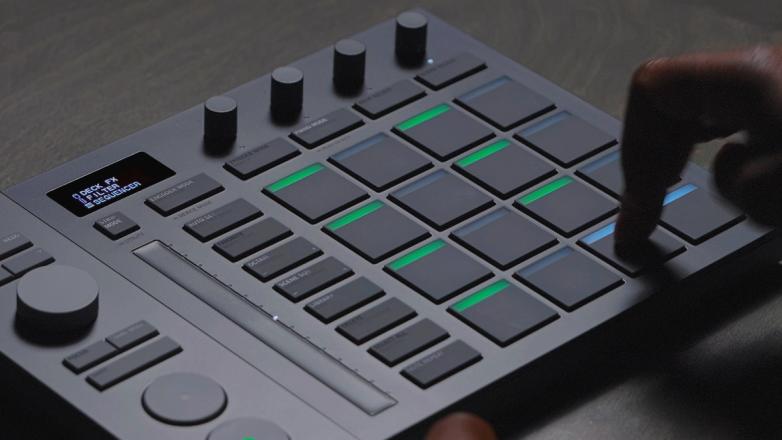
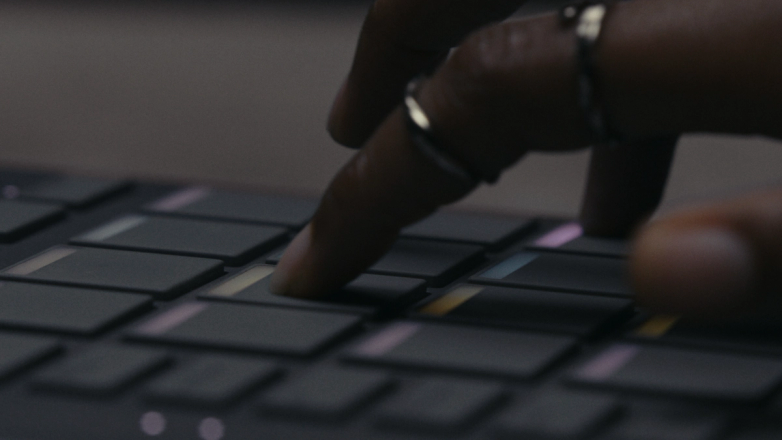
Pad FX
Perform and transform your beats live with SLAB’s exclusive Lo-fi Crusher, Wah Filter, Inverse Reverb, and Pitch Looper effects—across all 16 pads. Trigger them in real time and record automation directly from hardware.
Touch Strip
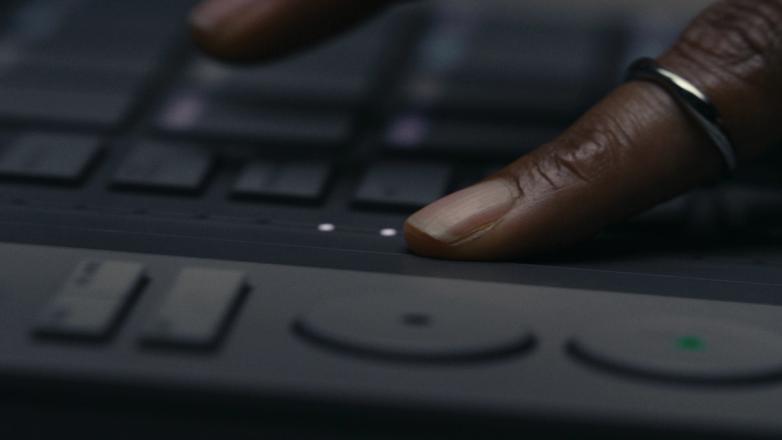
Control Filter, FX Level, Note Repeats, Pitch Bend, and Swing with the 13cm Touch Strip—adjustable live even while triggering pads or recording automation.
LED Display
Stay oriented at every level of your session with SLAB’s dynamic LED display—showing project, deck, pad, and parameter info, and updating instantly by touching any encoder.

RGB Pads
Velocity-sensitive RGB pads provide real-time visual feedback that mirrors your Studio session’s color palette. Sequence or trigger drums, samples and instruments, jam Pad FX, and navigate through Decks and Scenes.

Play in Key
Keep every note tuned to your project, or use Keyboard Mode to pitch any sample chromatically for expressive melodies and chord progressions on SLAB’s pads.

Sample Deck Scrub
Scrub through your sample, set Cue Points to chop your sample exactly where you want, and fine tune your slices using the Dial.
EQ Mode
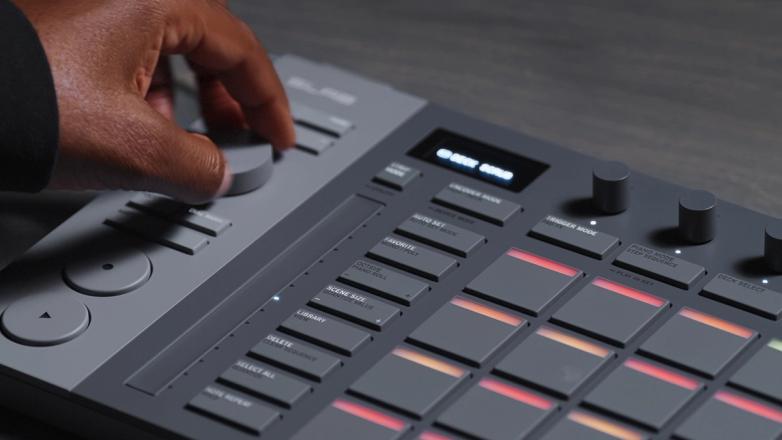
Use the encoders to adjust Hi, Mid, Low, Filter, and Volume on any Pad or Deck.
FX Mode
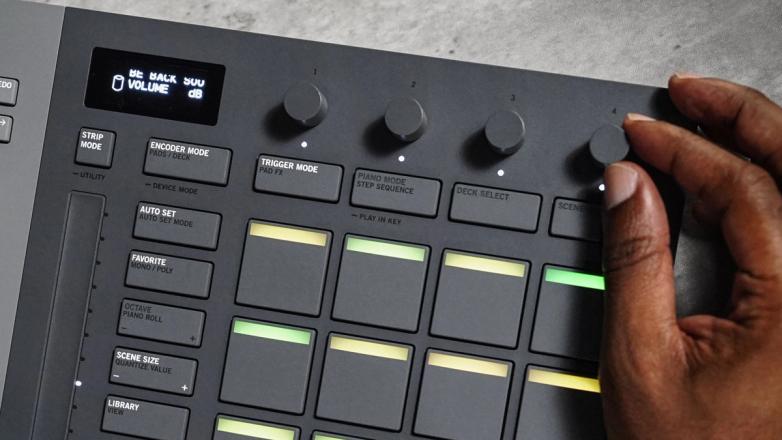
Use the four encoders to control Serato Studio’s 47 software effects on any deck, pad, or audio track.

Parameter Mode
Use the encoders to control the core functions of any pad or deck—from BPM and Key to Attack and Release.

Song View Scrub
Use the Dial to scrub through your song and adjust playback or recording position instantly.

Focus Mode
Control anything your cursor is hovering over in Studio—including plugins—directly with the Dial.
Library Browse
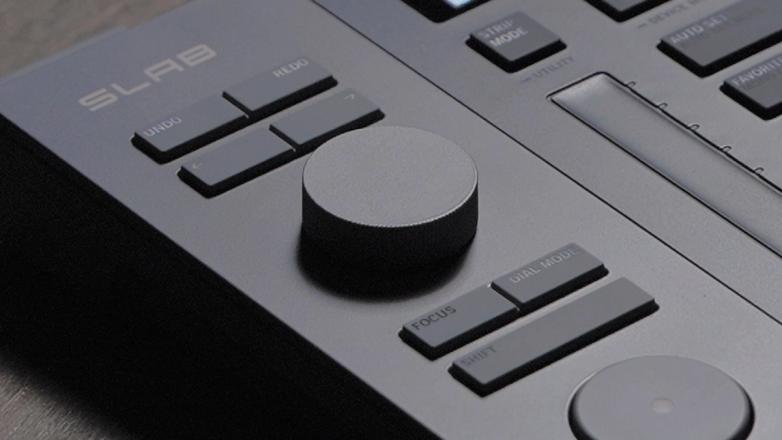
Navigate samples, drum kits, instruments, patterns, FX, and plugins and insert them into your project using SLAB’s Dial.
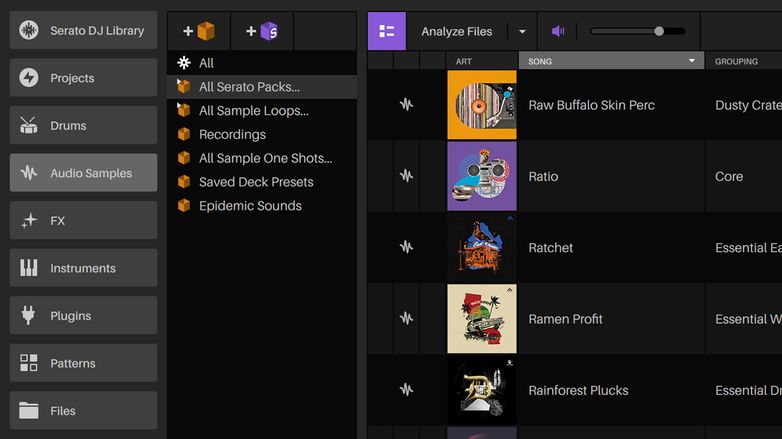
Autoset Drum Patterns
Generate drum beats in your favorite genre with one button—from EDM to Hip Hop—drawing from Studio’s library of patterns.
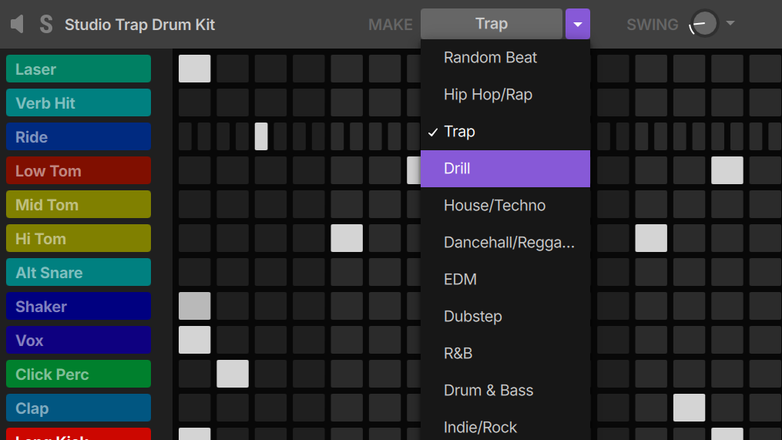
Note Nudge/Velocity
Select notes on SLAB’s step sequencer, then easily nudge their timing with the Dial or adjust velocity using the Touch Strip.
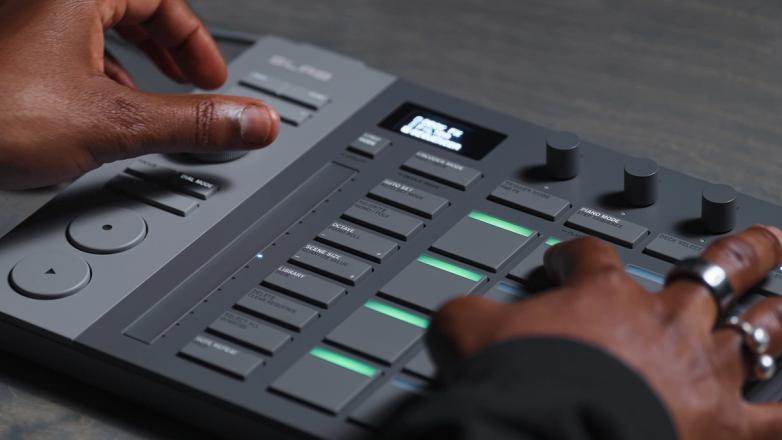
Note Repeat
Note Repeat any value between 1/4–1/32 triplet on a selected pad.
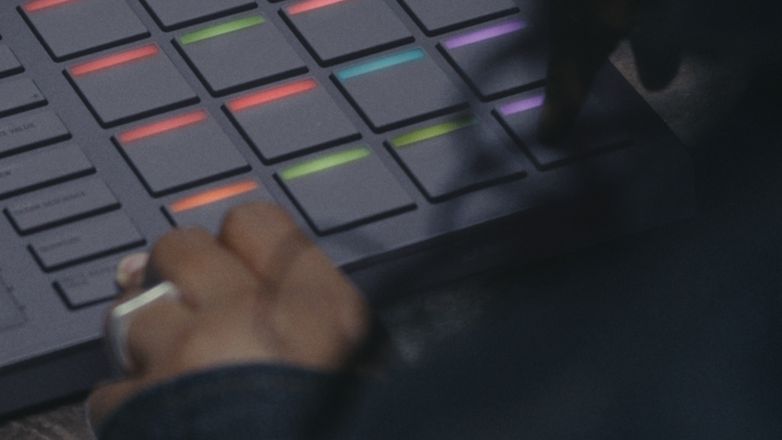
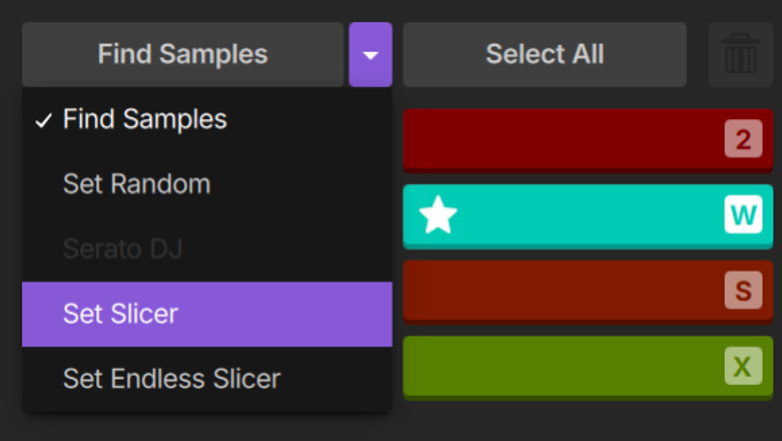
Autoset Samples
With one press, get the best parts to sample with the 'Find Samples' algorithm, 'Randomize', or 'Set Slicer' modes.
Auto Chord
Trigger chords with the press of a single pad in the key of your project. Select up to 7 notes per chord, and adjust note timing and feel.

Per Pad Control
Customize each pad differently—adjust key, stretch the tempo, reverse playback, add FX, attack, release and EQ.
General MIDI
In a click, switch between SLAB’s native control of Serato Sample and any custom mapping within a compatible DAW.
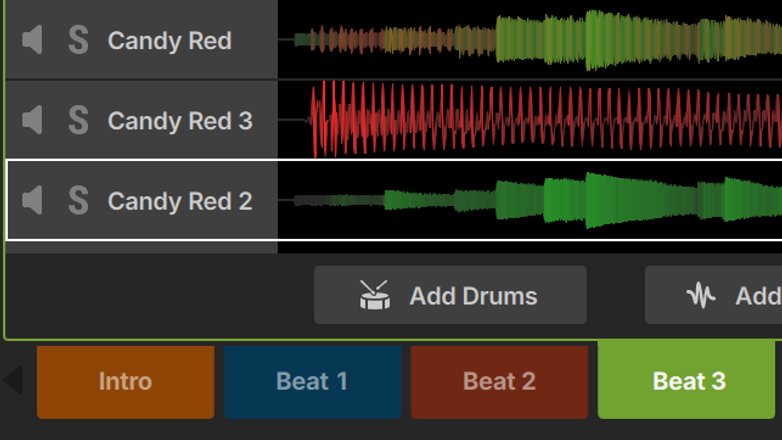
Deck & Scene Select
Instantly jump between Decks & Scenes with dedicated hardware modes.
Key Shift & Time Stretch
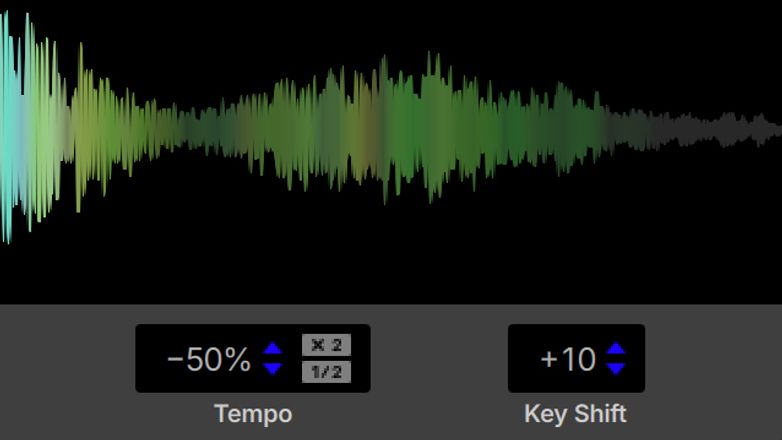
Powered by Serato's world-class Pitch 'n Time technology, use SLAB to independently adjust the speed and key of any audio in Studio to extremes, with zero artefacts.
FAQs
What is SLAB?
How is SLAB different from other MIDI pad controllers?
Which Serato software licenses does SLAB unlock?
Which Serato products does SLAB work with?
Can I use SLAB without the Serato Studio DAW?
How do I set up SLAB for the first time?
Where can I buy SLAB and how much does it cost?
What’s included in the box with SLAB?
How can I learn how to use SLAB?
How do I get technical support if SLAB isn’t working?
Discover more
All the Elements to Get Cookin’