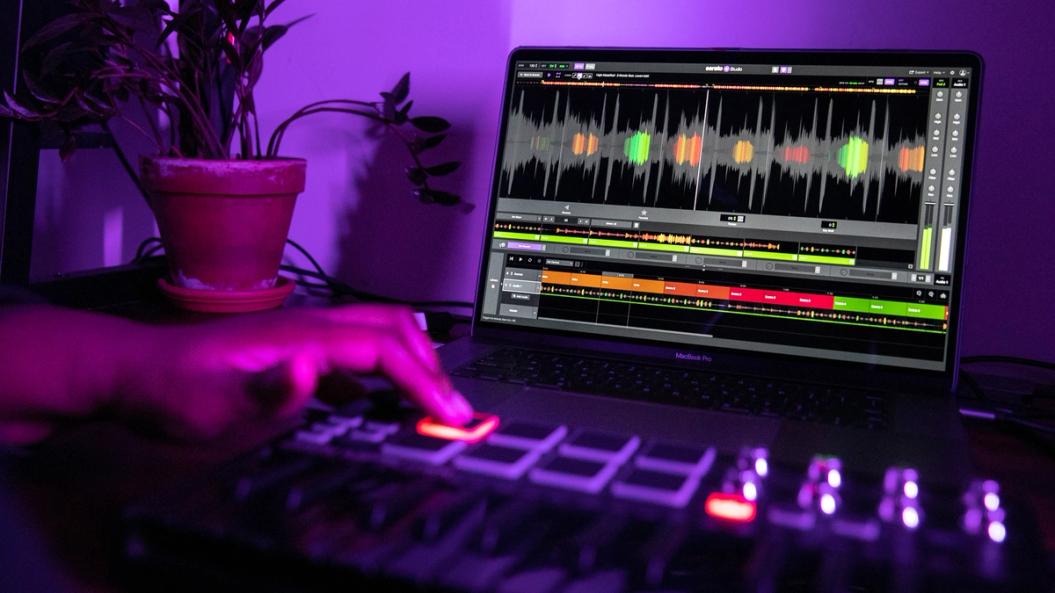
Introducing Serato Studio
Get everything you need to go from idea to song in lightning speed with Serato Studio:
- Dedicated Sample, Drum, and Instrument Deck
- Powerful audio stem separation technology
- Key & BPM syncing across all audio in your project
- Hundreds of Serato Sound Packs, instruments, drum kits, FX in an integrated library
- Full VST/AU support, audio recording, Scene and Song composers, and more
What’s New in Studio 2.5.0
Native Control for AlphaTheta SLAB
This update adds native control for the AlphaTheta SLAB—the first dedicated pad controller for Serato Studio. Control sampling, sequencing, Scene navigation, transport, library browsing, FX, and project parameters directly from the hardware for a faster, more tactile workflow.
macOS Tahoe Support
Serato Studio 2.5.0 is now fully supported for use with macOS 26 Tahoe.
Other Recent Updates
Stems Levels
Acapella, melody, bassline, and drum stems can now have their individual levels adjusted in the mix of any Sample Deck.
Automate Stems
Stems On/Off and individual Stems Levels can be automated in Sample Decks in the Scene View.
Library Updates
Enjoy seamless connectivity with the Serato New Library updates. New features include Track Rating, Favorite Crates, Crate Search, and more—for faster, easier, tidier library management.
Plus:
- Increased DJ Hardware support, including Roland SP-404MKII and Reloop Keypad Pro
- MIDI Mapping
- Unlimited FX slots
- Create a Sample Deck from an audio clip