Getting Started with Serato DJ for iOS
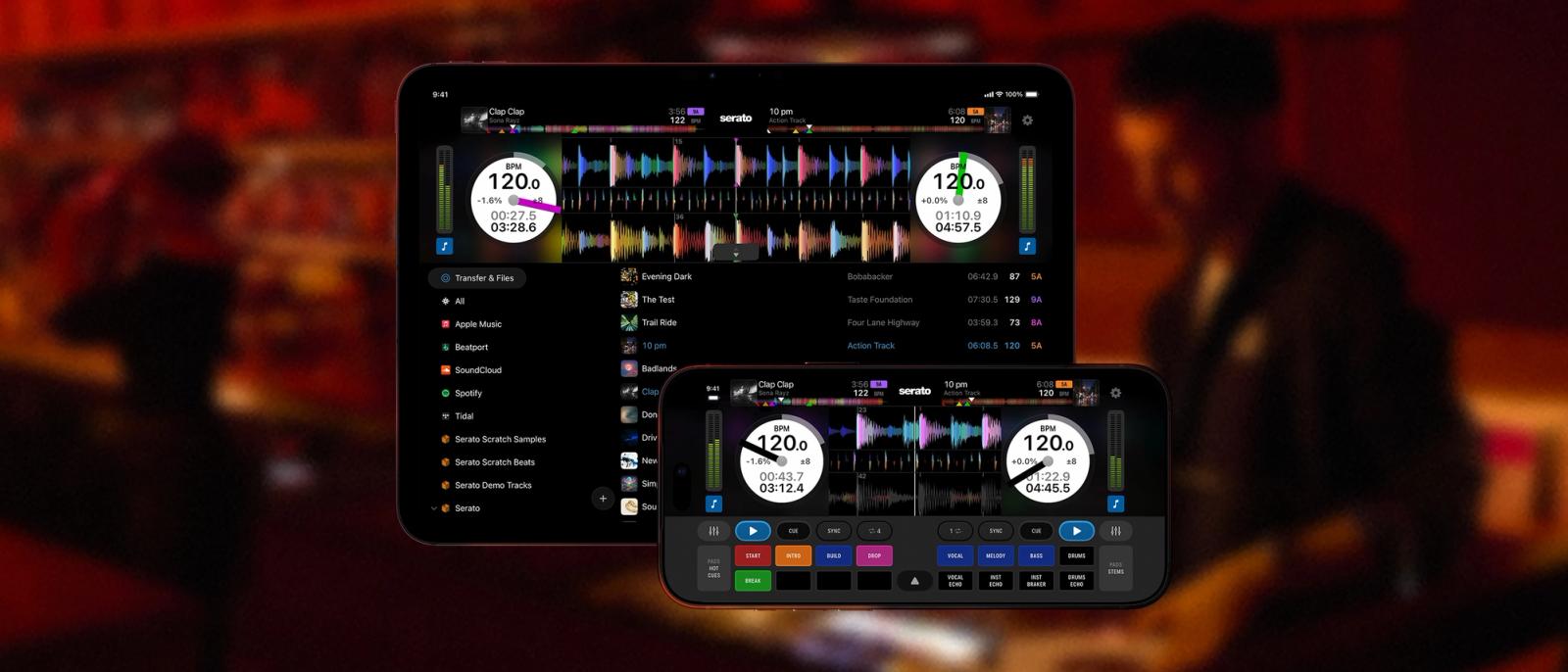
First Up, Download the App
It's free to download, and you'll be mixing in minutes.

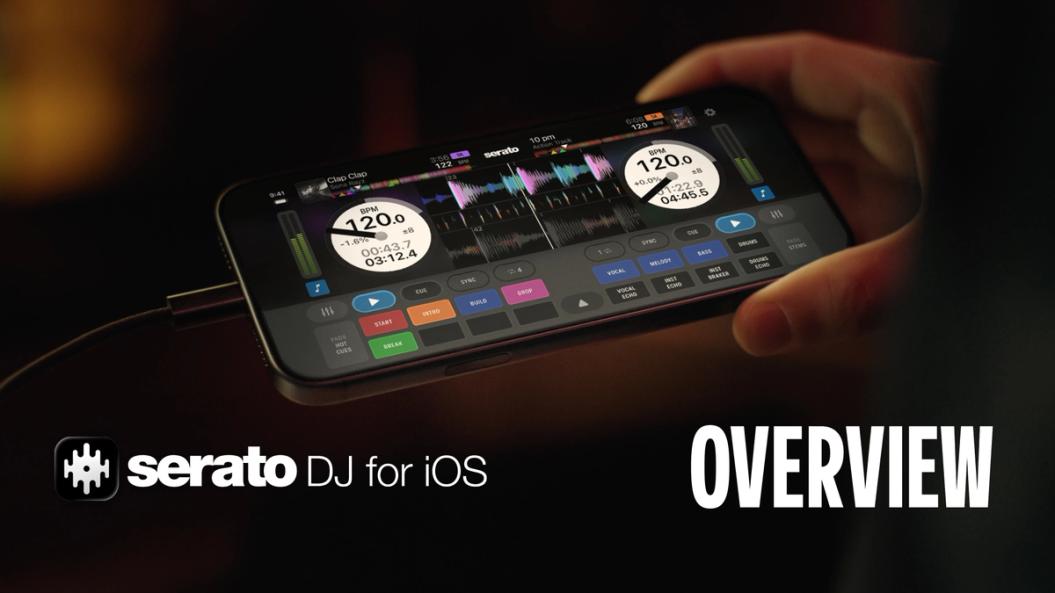
Watch the Full Walkthrough
From your first install to your first mix, watch how to get set up with Serato DJ for iOS. Learn how to connect your DJ hardware, stream music, and get a full tour of the features.
How to Transfer Your Serato DJ Library
Transfer crates and songs from your laptop to your iPhone or iPad in three easy steps.
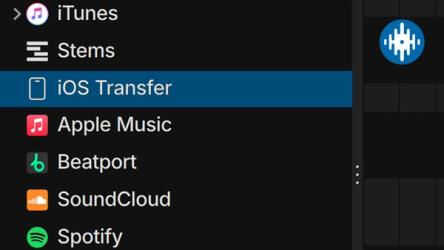
1. Open DJ Pro or Lite
Make sure you’re running the latest version of Serato DJ Pro or Serato DJ Lite on your laptop. Once you’re in, you’ll spot a new iOS Transfer option sitting in your library.
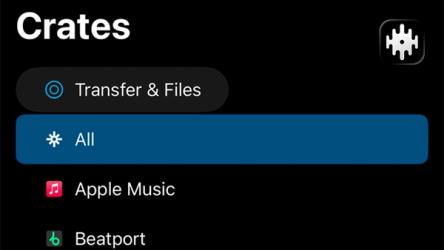
2. Connect your iOS device
On the Serato DJ for iOS app, tap Transfer & Files at the top of your library. Then tap Transfer, and your device will pair with your laptop automatically.
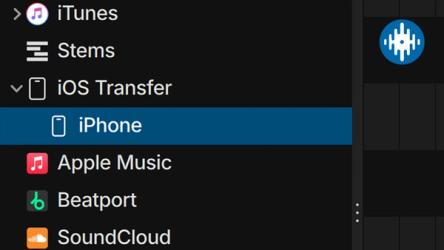
3. Transfer songs or crates
On your laptop, your device will appear inside the iOS Transfer crate. Drag crates or songs onto the device icon, or right-click and select Transfer to. Then follow the prompts on your device to complete the transfer.
How to Get Your Gear Connected
Whatever you're running, here's what you need to get plugged in and playing.
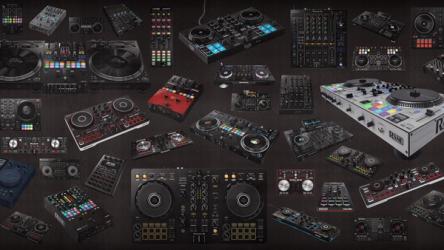
Compatible DJ Hardware
DJ with over 120 supported controllers, turntables, mixers, and DJ hardware. Choose from AlphaTheta, Hercules, Numark, Pioneer DJ, Rane, Roland, and more.
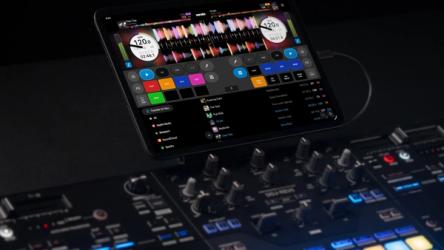
Power, Cables & Adaptors
Not sure which cables or adapters you need, or how to keep your device charged mid-set? Our support article walks you through all of it, step by step.
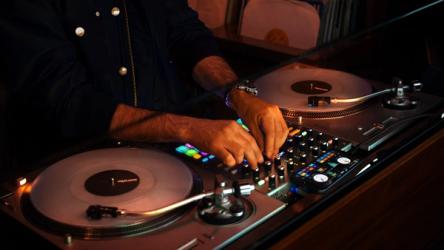
Full DVS Support
Serato DJ for iOS supports DVS. Connect your turntables and mixer with NoiseMap™ Control Vinyl. Low latency, ultra-high-resolution control.
System Requirements
What you'll need to get Serato DJ for iOS running smoothly.
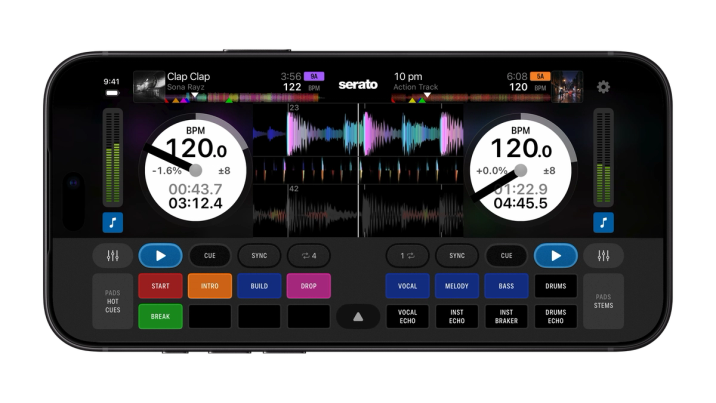
iPhone
Recommended:
iPhone 15, 2GB storage, USB-C to USB-C cable, iOS 26 or later.
High performance:
iPhone 17 Max, 2GB storage, USB-C to USB-C cable, iOS 26 or later.
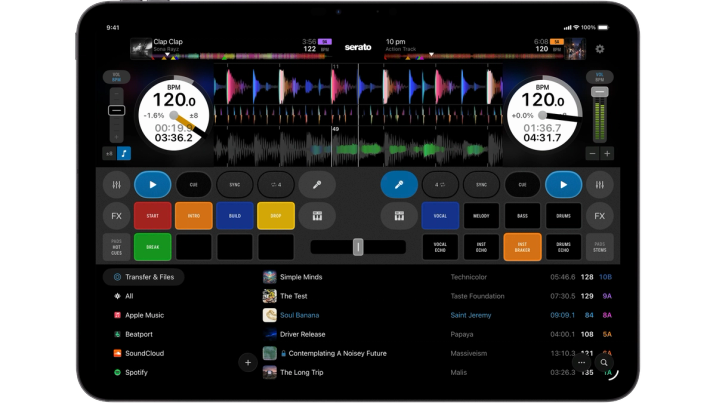
iPad
Recommended:
iPad Air 2020, iPad 2022, 2GB storage, USB-C to USB-C cable, iOS26 or later.
High performance:
iPad M5 2025, 2GB storage, USB-C to USB-C cable, iOS26 or later.
FAQs
What DJ controllers and hardware work with Serato DJ for iOS?
Can I use Serato DJ for iOS without a DJ controller?
Can I use my Serato DJ Pro library, crates and cue points with Serato DJ for iOS?
How much storage do I need on my iPhone or iPad to transfer my music library?
How many hours can I play on Serato DJ for iOS?
Can I switch between horizontal, vertical and extended waveform displays?
Can I use Serato DJ for iOS without an internet connection?
Do I need to install hardware drivers on my iPhone or iPad?
DJ Everywhere with Serato DJ for iOS