DJ with Spotify in Serato DJ
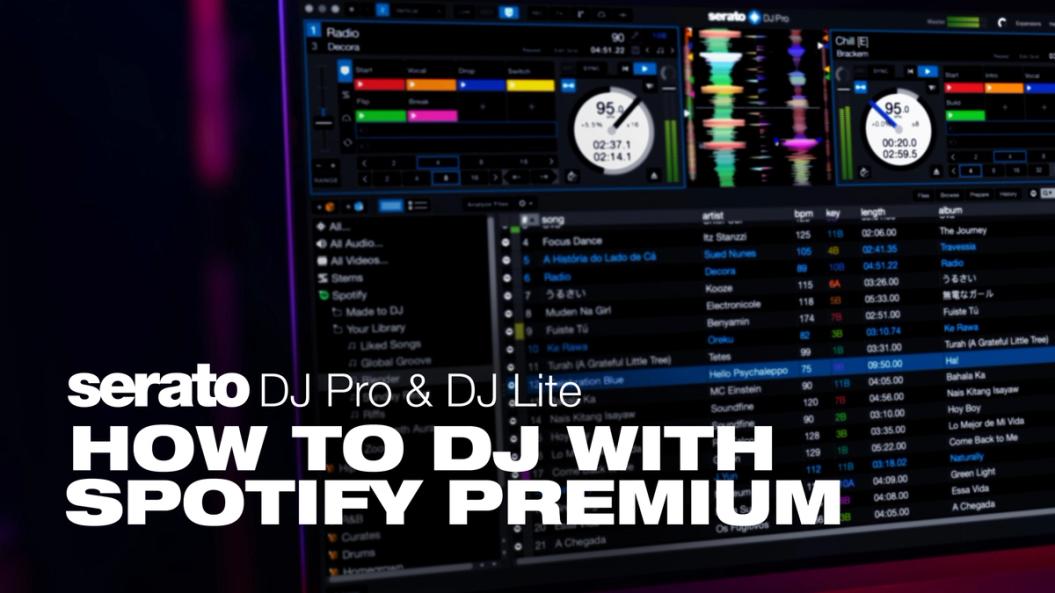
Millions of songs, ready when you are with Spotify Premium streaming in Serato DJ Lite, DJ Pro & DJ for iOS

“I’m on the go a lot—having Spotify integrated with Serato DJ just makes it easier to make sets and add music.”
FORTUNES | DJ / PRODUCER


Built to Headline
Professional DJ software, precision-engineered with the world’s headliners for over twenty years. Maximum stability, best-in-class Stems, and built for any booth. The software artists trust wherever they play.


DJing Starts Here
Free DJ software to start, built on the same tech the pros use. You don’t need to be on stage to start playing like you’re on one. The world’s greatest DJs all had a day one, this is yours.
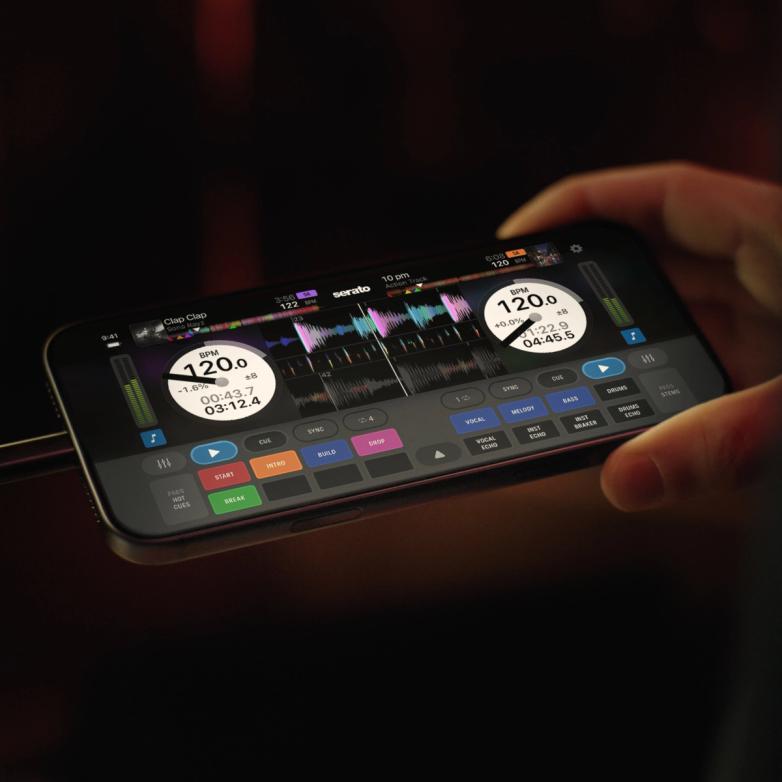

DJ Everywhere
Serato DJ, now on iPhone and iPad. Bring the full power of Serato DJ to every moment. Stream millions of songs on Apple Music. Plug and play on 120+ hardware setups.

Getting Started
How to DJ with Spotify Premium in Serato
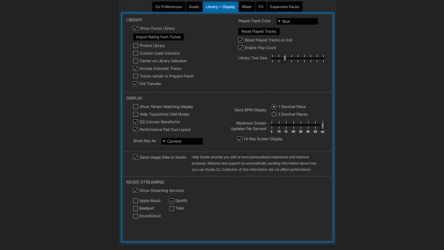
1. Download Serato DJ
Download and install the latest version of Serato DJ Lite, DJ Pro, or DJ for iOS. Open Serato, navigate to the “Library + Display” tab in the settings menu on your laptop, then click on Spotify. For iOS, tap on Spotify in the app.
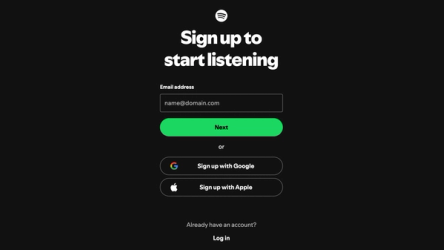
2. Sign in to Spotify
You’ll be taken to Spotify’s site to authorize your laptop/iOS device. Sign in to your account, or start a free trial of Spotify Premium. Once connected, your Spotify playlists and “Liked Songs” appear in Serato, with your crates.
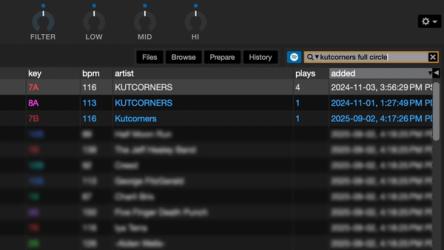
3. Search & Mix
In Serato DJ Pro & Lite, click the Spotify Logo in the search bar to browse the full Spotify catalog alongside your local files. Stream, cue, and mix instantly. (Note: no offline storage or Stems in Serato).
Start DJing with Spotify
Download DJ ProTerms and Conditions
Premium Individual only. Monthly subscription fees apply after trial. Cancel anytime.
Only open to users who haven’t tried Premium before. Terms apply.