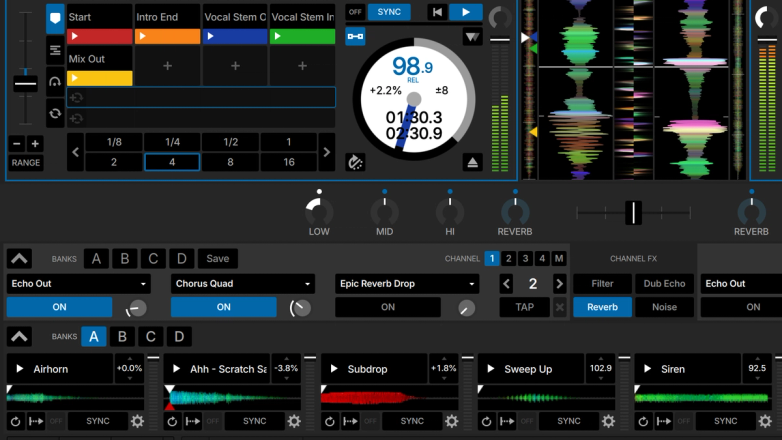
Access essential DJ Filters, Echoes, and Delays. With Serato DJ Suite, you can create and save your own custom FX.
Serato DJ Pro has both Simple and Smart Sync. This means you don’t need to worry about beatmatching.
Create acapellas or instrumentals at the click of a button or deliver smooth transitions and mashups on the fly by isolating the Vocals, Melody, Bass or Drums.
Add FX to your Serato Stems in Serato DJ Pro. Apply Vocal Echo, Instrumental Echo, Instrumental Braker and Drums Echo FX for ultimate Stems creativity.
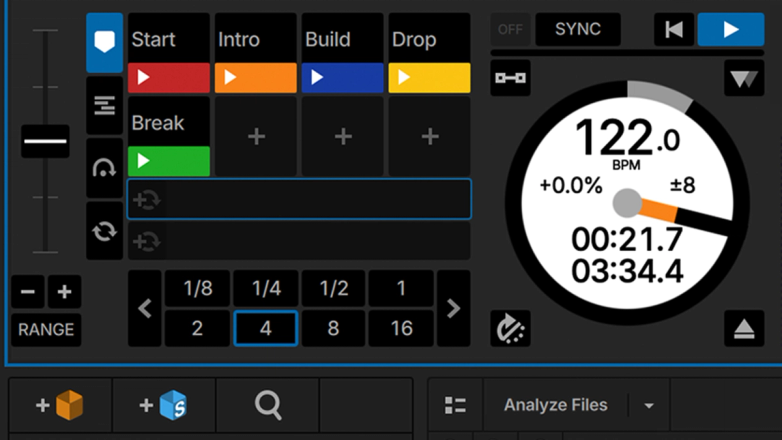
With Serato DJ Pro you’ll be able to assign and trigger up to 8 Cue Points. You can also personalize your cue points by naming them or assigning them a color.
Keep up to 32 samples loaded across 4 banks so you can trigger DJ stings, loops, acapellas, drops and whole tracks from the Serato DJ Pro Sampler.
Keep track of both streamed and locally stored tracks’ individual play count in Serato DJ Pro and Lite.
Serato DJ Pro allows you to record your full sets in customizable high quality formats, ready to share with your followers online.
Make your mixes sound smoother than ever with key detection & display. You’ll be able to easily find the key that fits and harmonically mix your tracks like a professional.
Quickly find the crate you need with the new Crate Search. A faster way to navigate your Crate List and jump straight to the right crate. Note: Only available in DJ Pro.
Day Mode makes using Serato DJ Pro easier in bright conditions. Simply click the Day Mode icon to toggle on and off.
Create, save, and customize your mapping to better suit your performance style. You can also connect a secondary MIDI device for more flexibility to your DJ sets.
Use the extensive capabilities of your hardware. With Serato DJ Pro, unlock Slicer, Scratch Banks, Pad FX, Stems Roll and more—pertaining to your particular hardware feature set.
Beat Jump is a feature in Serato DJ Pro that allows you to instantly jump forward or backwards in your track by a predetermined amount, perfectly in time.
When selected, your cue points will be snapped to your beatgrids as you set them. Triggering Cue Points will also match the tempo of your beatgrids so that you will never go out of time.
When Slip Mode is activated, you can manipulate the audio as normal (e.g., Scratching, Looping, triggering Cue Points, etc). However, once you have finished, the playback position is returned to where it would be if you had not manipulated the audio.
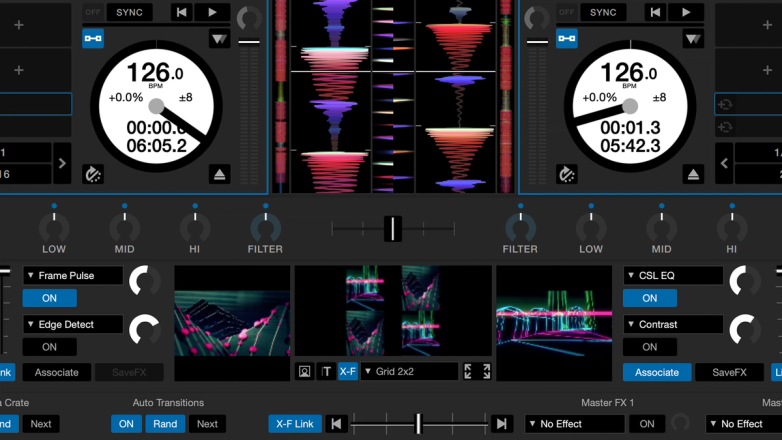
Unlock your creativity with every Expansion in Serato DJ Suite, including Serato DVS, Video, P’nT, Play, FX and Flip.